How can an event organizer speed up check-in when every attendee still needs to sign a waiver?
Waivers do not have to slow your line. Here is how to keep check-in moving when everyone must sign first.
Move signing before arrival by sending a digital waiver link so attendees sign at home on their own phone, turning check-in into a quick confirmation. Offer a QR code or tablet on site for anyone who did not sign ahead, and use a fast name search at the table to wave signed attendees through without shuffling paper.
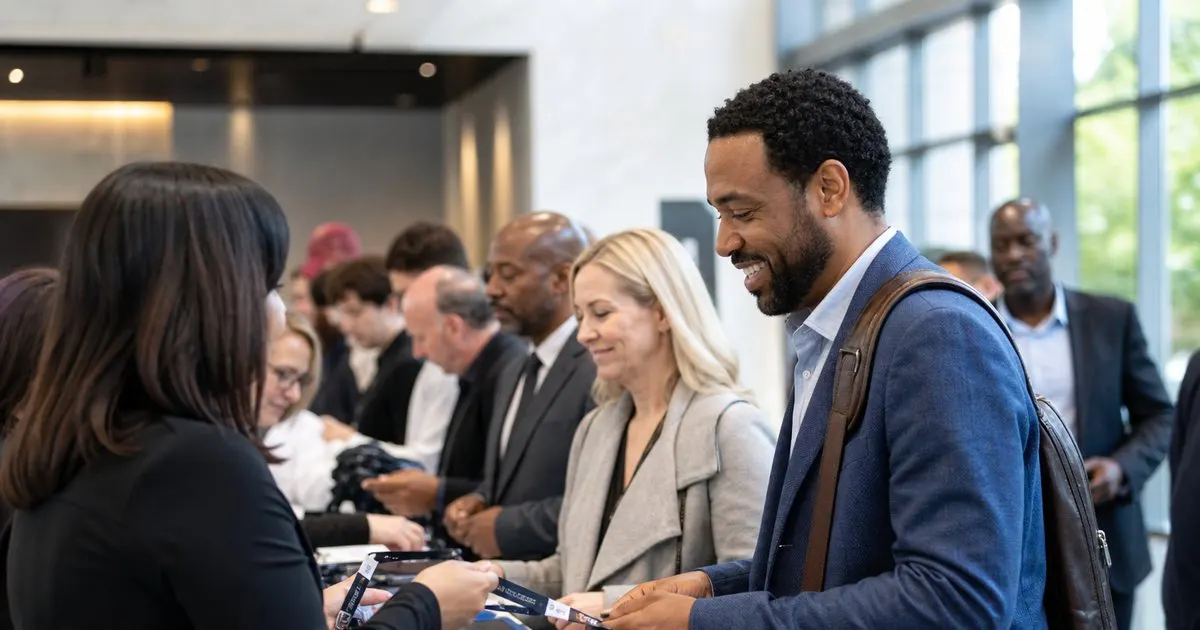
Signing at the door is the bottleneck
When everyone signs a paper waiver at check-in, the table becomes a bottleneck and the line backs up out the door. Related: Is a digital waiver really better than the trusty paper clipboard a small studio has always used?
The frustration lands right at the start of the event, shaping the first impression before anyone has done anything.
Keep reading: How does a gym quickly find a specific signed waiver months after a member first signed it?, What is the easiest way for a tour operator to collect signed waivers from a whole group at once?, Is a digital waiver really better than the trusty paper clipboard a small studio has always used?. See how WaiverFlowr helps you digital liability waiver signing and storage.
Move signing before arrival
Send a digital waiver link ahead of the event so attendees sign at home on their own phone. Related: What should a business consider when a minor participates and a parent must sign the waiver?
When most people arrive already signed, check-in becomes a quick confirmation instead of a paperwork stop.
Have a fast on-site option
For those who did not sign ahead, a QR code or a tablet at the door lets them sign in about thirty seconds. Related: What should a front desk do when a walk-in customer has no phone to sign the waiver?
A quick on-site path keeps the exceptions from clogging the line the pre-signing was meant to clear.
Confirm signers instantly
At the table, a quick name search confirms who has signed, so staff wave attendees through without shuffling paper.
Fast signing and fast lookup together turn check-in from a chokepoint into a welcome.
- Door-side paper signing bottlenecks check-in
- Send waivers to sign before arrival
- Offer a fast QR or tablet option on site
- Confirm signers with a quick name search

Julien Jimenez
Julien Jimenez is an independent software builder based in Paris. He designs, ships, and operates focused SaaS products for small businesses and independent professionals. Read the full author page.
Frequently asked questions
What is the fastest on-site option for attendees who did not pre-sign?
A QR code or a tablet at the door lets them sign on their own phone in about thirty seconds. That quick path keeps the exceptions from clogging the line the pre-signing was meant to clear.
How does pre-signing change the check-in table's job?
When most attendees arrive already signed, staff simply confirm each name rather than handing out and collecting forms. Check-in becomes a welcome instead of a paperwork stop.
Send, sign, and store waivers fast
Digital liability waiver signing and storage. WaiverFlowr is built to help you put this into practice.
Create a waiver freeMore from the WaiverFlowr blog
How does a gym quickly find a specific signed waiver months after a member first signed it?

What is the easiest way for a tour operator to collect signed waivers from a whole group at once?

Is a digital waiver really better than the trusty paper clipboard a small studio has always used?
Get the WaiverFlowr playbook
Practical guides on digital liability waivers, straight to your inbox as we publish them. No spam, unsubscribe any time.