How can an event organizer speed up check-in when every attendee still needs to sign a waiver?
Waivers do not have to slow your line. Here is how to keep check-in moving when everyone must sign first.
Replace the clipboard with a digital waiver participants sign on any device, stored safely and searchable the moment you need to find a signer.
No credit card required to start. Cancel anytime.
Paste your waiver language, add the fields you need, and publish it as a digital form.
Share the link or QR code, or hand over a tablet. Participants sign in about thirty seconds.
Search by name or date to pull up any signed copy the moment you need it.
Fall session launch and retrieval drill. New fall schedules bring back members who signed a year or more ago. September is a good month to time how long it takes a staff member to find one specific waiver from last spring.
Find any waiver months laterFor busy venues running multiple activities and events. Unlimited waiver templates, Group and event links, Fast signer lookup.
A stack of paper waivers slows your check-in line, fills a filing cabinet, and turns any lookup into a hunt. When a claim or question comes up months later, the one page you need is the hardest to find.
WaiverFlowr moves the whole flow online. Participants sign on their own phone before they arrive or at the door, and every signed copy lands in a searchable library you can pull up in seconds.
WaiverFlowr stays focused and does this one job extremely well.
Turn your waiver language into a clean digital form with the fields you need, including name, date, emergency contact, and any custom questions.
Participants sign with a finger or mouse on any device. Each signature is captured with a timestamp and tied to the exact waiver version they signed.
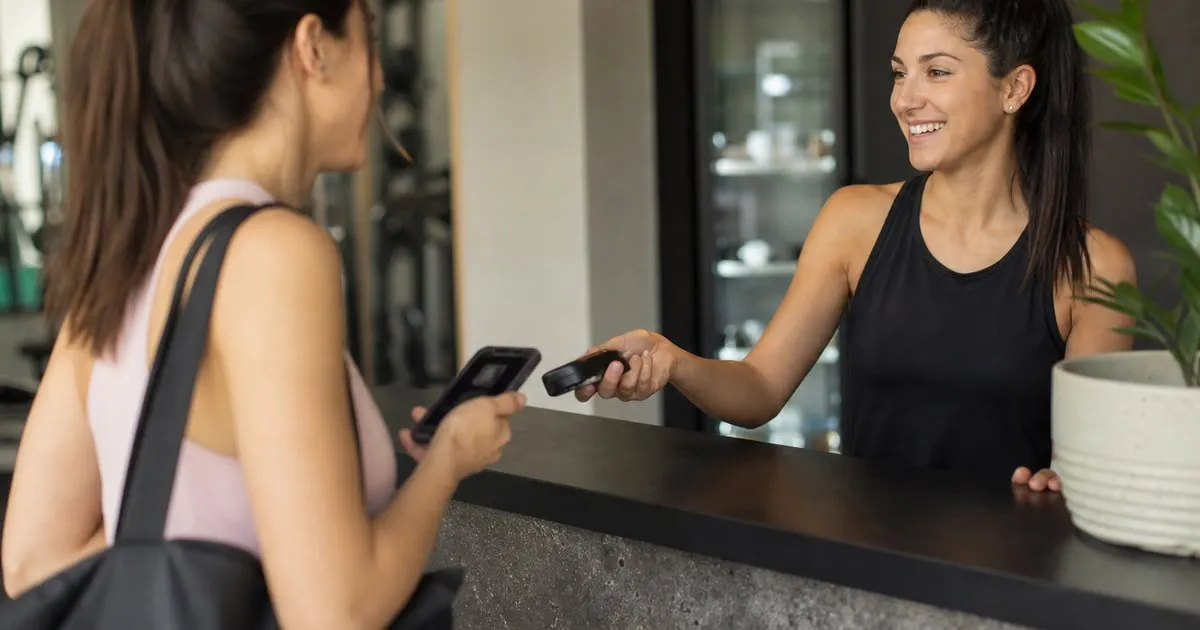
Share a link or QR code so guests sign before they arrive, or hand them a tablet on site. Either way, the signed copy files itself.
Every signed waiver is stored and searchable by name and date, so you find a specific signer in seconds instead of digging through paper.
Type a name to pull up a participant's signed waiver, when they signed, and what they agreed to, ready to show if a question ever arises.
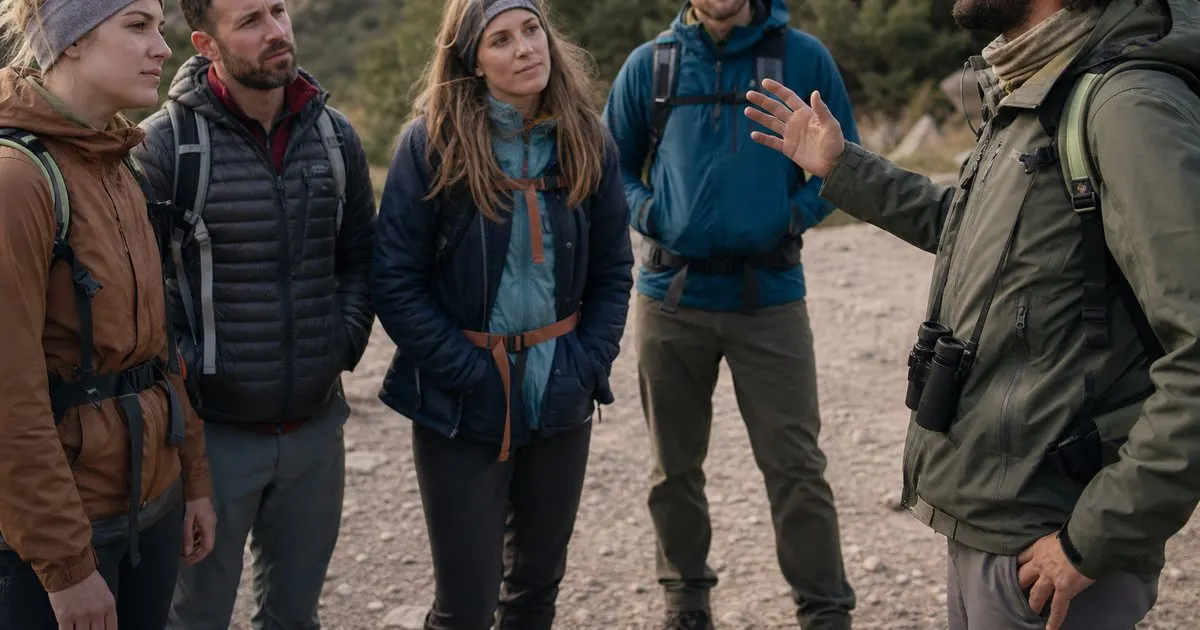
Create a link for a tour, class, or event so an entire group signs the same waiver, and see all signers for that session together.
Three steps from sign up to real value.
Paste your waiver language, add the fields you need, and publish it as a digital form.
Share the link or QR code, or hand over a tablet. Participants sign in about thirty seconds.
Search by name or date to pull up any signed copy the moment you need it.
Start small and grow when you are ready. No ads, no reselling your data, no surprises.
Every plan includes email support and a 14 day money back guarantee.

Built after watching a tour operator lose a check-in line to a jammed printer and a missing page. WaiverFlowr keeps signing quick and every copy findable, so the paperwork never slows the fun or the front desk.
Electronic signatures are widely recognized in the United States, and WaiverFlowr records a timestamp and the exact waiver version signed. For how a signed waiver holds up in your situation, consult an attorney, since this is not legal advice.
Yes. Share a link or QR code ahead of time so guests sign on their own phone, which clears your check-in line on the day.
Search by name or date to pull up the signed copy in seconds, including when they signed and what they agreed to.
Create a group or event link and every participant signs the same waiver. You then see all signers for that session together.
Signed waivers are stored privately under your account. Only you and teammates you invite can view them.
No. You provide your own waiver text, which keeps the legal wording in your control. WaiverFlowr handles signing, storage, and lookup, not drafting.
Practical guides on digital liability waivers, straight to your inbox as we publish them. No spam, unsubscribe any time.
Digital liability waiver signing and storage. Start today and see the difference in your first week.
Create a waiver free